Needs your approval
Send your details in the excursion form
Why: you asked me to fill in Ella's excursion form on the school's website.
What goes in the form
Ella's name and class, your name and mobile number, and “no medical needs”, as you told me.

How you stay in control
Know what Kosmo can access, see what it does, and take control when you need to. Here is how approvals, browser control, memory and data handling work.
Approvals
Kosmo asks before it sends, publishes, spends, books, deletes or changes anything outside your workspace. A card shows what it will do and why, and you approve it or say Not now. You can give it standing permission for some kinds of action in Settings; spending always asks. Everything it did is in your Activity, in plain words.
Needs your approval
Why: you asked me to fill in Ella's excursion form on the school's website.
What goes in the form
Ella's name and class, your name and mobile number, and “no medical needs”, as you told me.
Available today, asks you first
An example of how it works. Some websites don't let an automated browser in; when that happens, Kosmo says so.
Ask me first
In Settings, under Privacy and safety, Ask me first lists four kinds of action on a website. All four are on when you start. Payments and purchases is always on: Kosmo always asks before spending money, and that cannot be switched off.
You can switch off the other three. When one is off, Kosmo goes ahead when it is part of what you asked for, and still asks about anything else. You can change these whenever you like.
Privacy and safety
Kosmo checks with you before it does these on a website.
Watch and take control
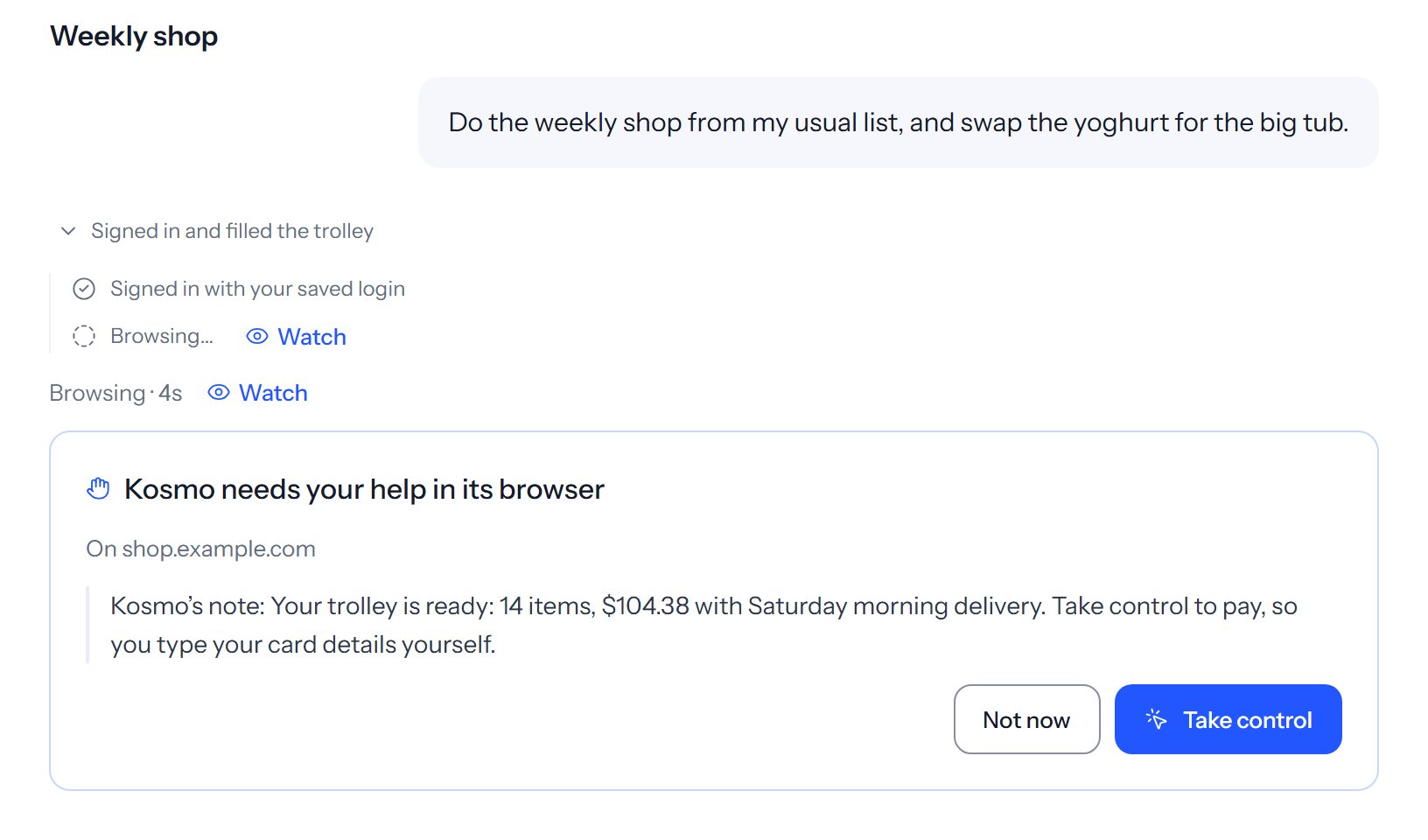
When Kosmo uses its browser, press Watch and see it live. Take control whenever you like, for the checkout, a sign-in code or an “are you human” check, then hand back. While you have control it pauses and takes no screenshots, and what you type stays hidden from it.
Sign-ins go through Connections, never the chat: save a website sign-in once and Kosmo signs in on the real website for you. It never asks for a password, a code or a card number in chat, and it never types your card details.
Available today
Live
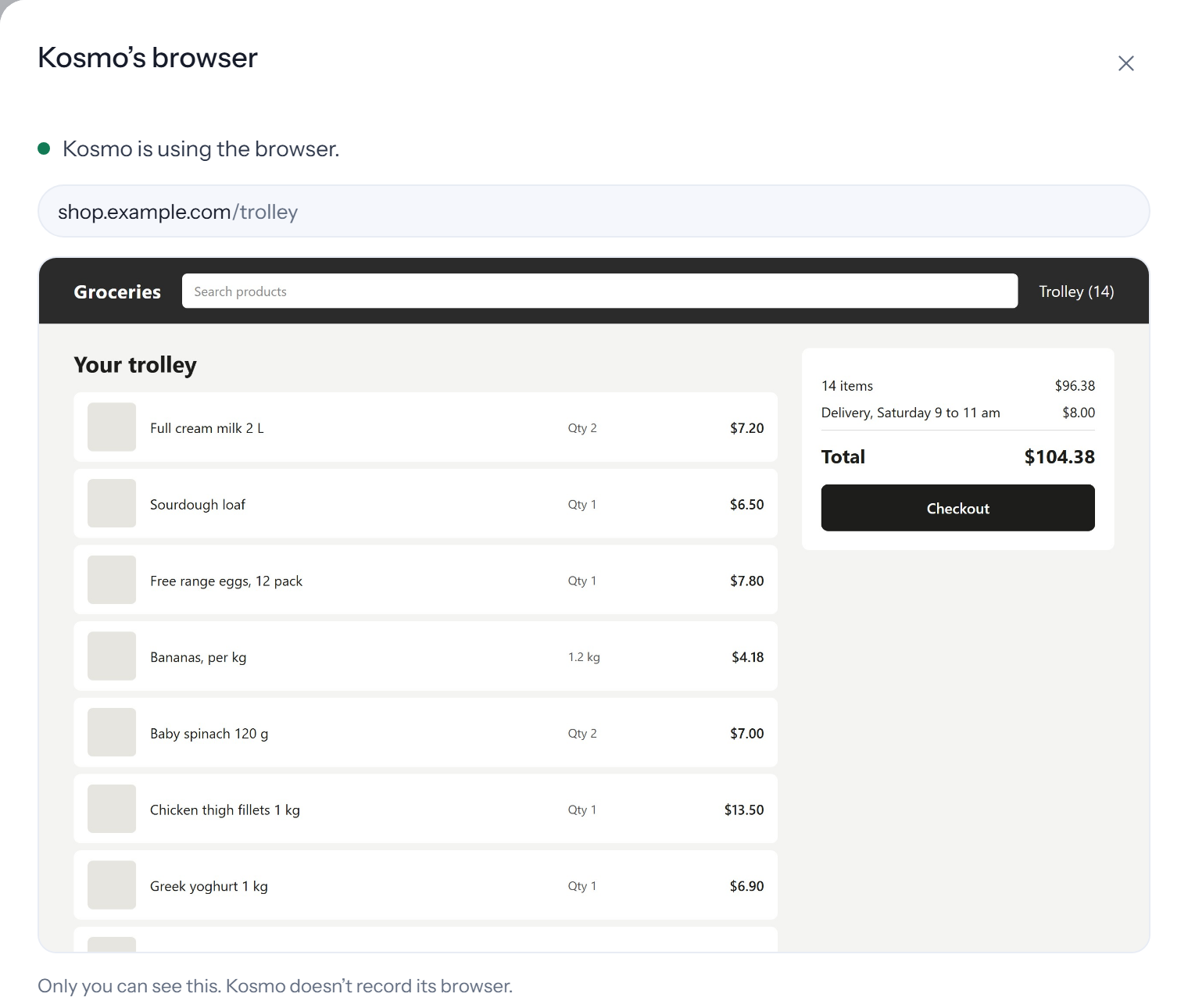
Kosmo is using the browser.
Only you can see this. Kosmo doesn't record its browser.
Take control

Memory
Kosmo learns from your conversations as you go, so it can remember useful facts such as your preferences, the people you mention and decisions you have made. You can ask what it remembers, and tell it to correct or forget any of it, at any time, in chat.
Temporary chats are never remembered and are gone 24 hours after the last message. Passwords, keys and other secret-looking text are removed before anything is remembered. You can delete any chat whenever you like. Deleting a chat does not remove what Kosmo learned from it, so ask it to forget that too.
Your memory
Coming
Coming: a page like this in Settings. Today, ask in chat.
Put them backYour memory
Coming
Coming: a page like this in Settings. Today, ask in chat.
Put them backYour memory
Coming
Coming: a page like this in Settings. Today, ask in chat.
Put them backYour memory
Coming
Coming: a page like this in Settings. Today, ask in chat.
Put them backYour memory
Coming
Coming: a page like this in Settings. Today, ask in chat.
Put them backYour memory
Coming
Coming: a page like this in Settings. Today, ask in chat.
Put them backYour memory
Coming
Coming: a page like this in Settings. Today, ask in chat.
Put them backYour memory
Coming
Coming: a page like this in Settings. Today, ask in chat.
Put them backYour memory
Coming
Coming: a page like this in Settings. Today, ask in chat.
Put them backYour memory
Coming
Coming: a page like this in Settings. Today, ask in chat.
Put them backYour memory
Coming
Coming: a page like this in Settings. Today, ask in chat.
Put them backYour memory
Coming
Coming: a page like this in Settings. Today, ask in chat.
Put them backYour memory
Coming
Coming: a page like this in Settings. Today, ask in chat.
Put them backYour memory
Coming
Coming: a page like this in Settings. Today, ask in chat.
Put them backYour memory
Coming
Coming: a page like this in Settings. Today, ask in chat.
Put them backYour data
Your files, conversations, memories and knowledge are kept in data centres in Australia, and so are the website sign-ins you save in Connections.
When you add a document to Knowledge, Kosmo reads its text, including text inside images, so you can ask questions across everything you have added. That stays in Australia with the rest of your data.
Exporting your data and closing your account from Settings are coming soon.
The privacy policy explains each one.
Legal
The three documents that apply to your account, with their current version.
These are drafts while Kosmo starts. Final text will replace them before Kosmo opens more widely.
Kosmo is invite-only in Australia, for adults aged 18 and over. Request early access and we'll email you when a place becomes available.
Free to request.
HELPFUL, ON YOUR TERMS
Know what it can access. See what it does.
Step in whenever you need to.
01 APPROVALS
Before Kosmo sends, publishes, spends, books, deletes or changes something outside your workspace, it asks.
The approval shows what will happen and why. You can say yes or Not now. Your Activity keeps what happened in plain words.
Check the items before you continue. Nothing has been ordered.

You take over to complete payment.
ASK ME FIRST
All four start on. You can give standing permission for some actions in Privacy and safety. Kosmo still asks about anything beyond what you requested.
Try the switches in this illustrative preview.Forms with your name, address, phone, email or ID.
Kosmo always asks before spending money.
Adding any of your files to a website.
Publishing, deleting or changing settings on a site.
Preview only. Your actual settings are unchanged.
02 WATCH AND TAKE CONTROL
Watch Kosmo’s browser live. Take over for checkout, a sign-in code or an “are you human” check, then hand back when you’re ready.
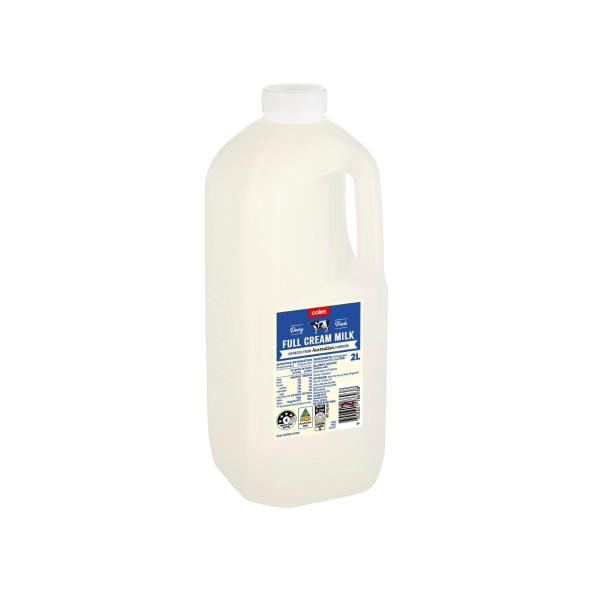
Full cream milk2L
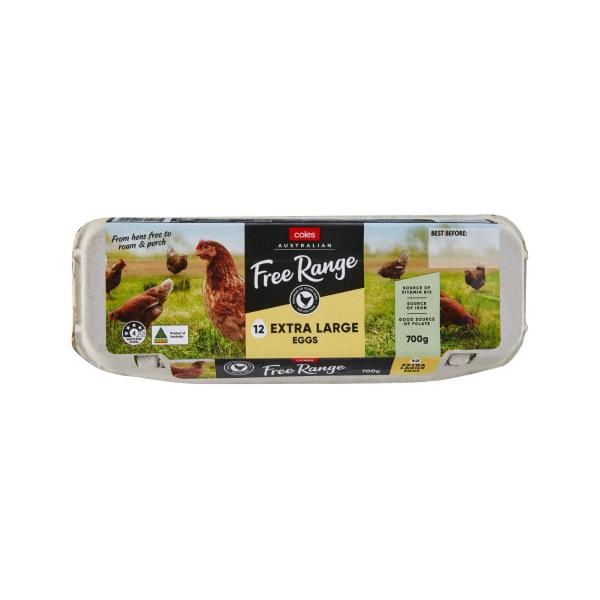
Free range eggs12 pack
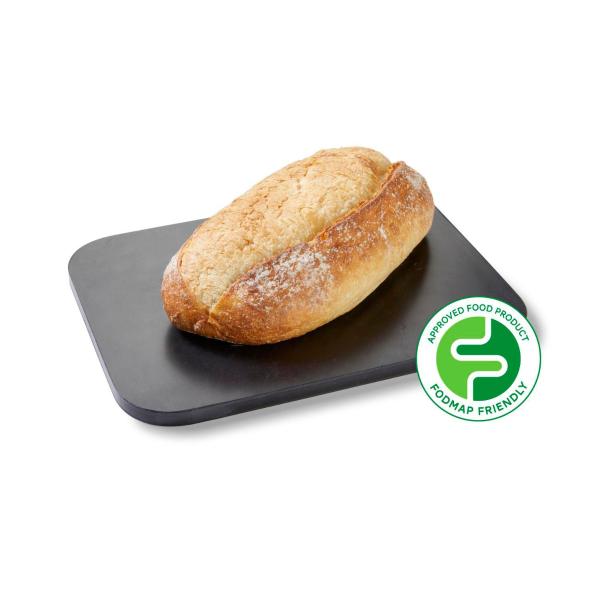
Sourdough1 loaf
BananasFresh fruit
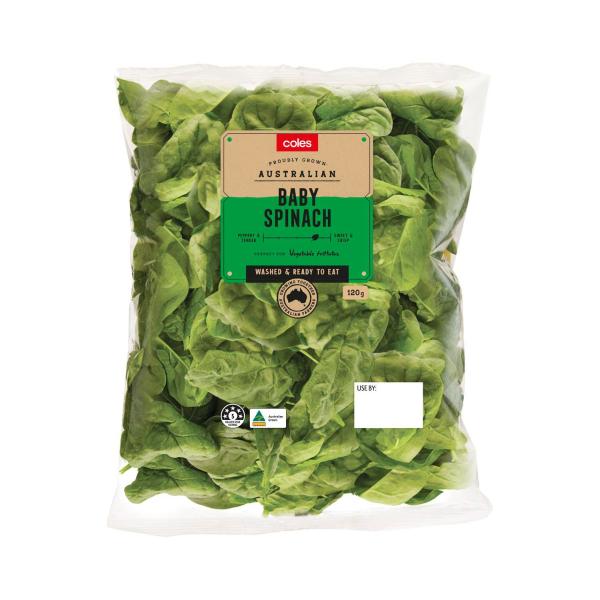
Baby spinach120g
Greek yoghurt1kgKosmo pauses and takes no screenshots. What you type stays hidden from it.
Save website sign-ins there, never in chat. Kosmo never asks for a password, code or card number in chat, and never types your card details.
Some websites don’t let an automated browser in. When that happens, Kosmo tells you.
03 MEMORY
Kosmo can remember helpful preferences, people and decisions from your conversations.
Ask what it remembers. Tell it to correct a detail or forget it, whenever you like.
“What do you remember about me?”
Today, ask in chat. A dedicated memory page in Settings is coming.
Try removing a sample memory.
A preview of the coming Settings view. These are sample memories.
Temporary chats are never remembered and are gone 24 hours after the last message.
Passwords, keys and other secret-looking text are removed before anything is remembered.
Deleting a chat does not remove what Kosmo learned from it. Ask it to forget that too.
04 YOUR DATA
Your files, conversations, memories, Knowledge and saved website sign-ins are stored in data centres in Australia.
When you add a document to Knowledge, its text—including text inside images—stays in Australia with the rest of your data.
Read the privacy policyExporting your data and closing your account from Settings are coming soon.
Working out a reply, web research and connected apps can involve services outside Australia.
The privacy policy explains each one. ↗THE DOCUMENTS
These documents are drafts while Kosmo starts. Final text will replace them before Kosmo opens more widely.

A LITTLE HELP. STILL YOUR CALL.
Invite-only in Australia. For adults aged 18 and over.