From a clearer morning to a customer follow-up, Kosmo brings research, files, routines and connected apps into the same conversation. Explore the possibilities below, then connect the apps enabled in your account.
A little coordination. A lot less admin.
Your apps. One conversation.
The useful part is what happens between them. Explore what you could ask Kosmo with supported apps connected.
Start with the bigger picture
A clearer morning. Before the first coffee.
Bring important messages, meetings and relevant documents into one useful briefing.
Try asking
“What needs my attention today? Include the context for my first meeting.”
GmailCalendarDrive
Keep the conversation moving
Follow up. Without starting over.
Find the last conversation, prepare a thoughtful reply and organise the next step for a customer.
Try asking
“Find the customers waiting on me. Draft their follow-ups and prepare the CRM updates.”
GmailHubSpot
Turn the discussion into a plan
Good decisions. Useful next steps.
Pull the decisions out of a conversation and prepare a plan with tasks, owners and context.
Try asking
“Summarise the decisions in this thread and prepare the action list in Notion.”
SlackNotion
Make room for the week ahead
Less searching. More knowing.
Connect the dates in your calendar with the details buried in your messages and files.
Try asking
“Help me plan next week. Find the appointments, forms and deadlines I need to prepare for.”
GmailCalendarDrive
Illustrative workflows. Available apps and actions depend on what is enabled in your account, the services you connect and the access you grant. App logos identify the services shown; they do not imply endorsement.
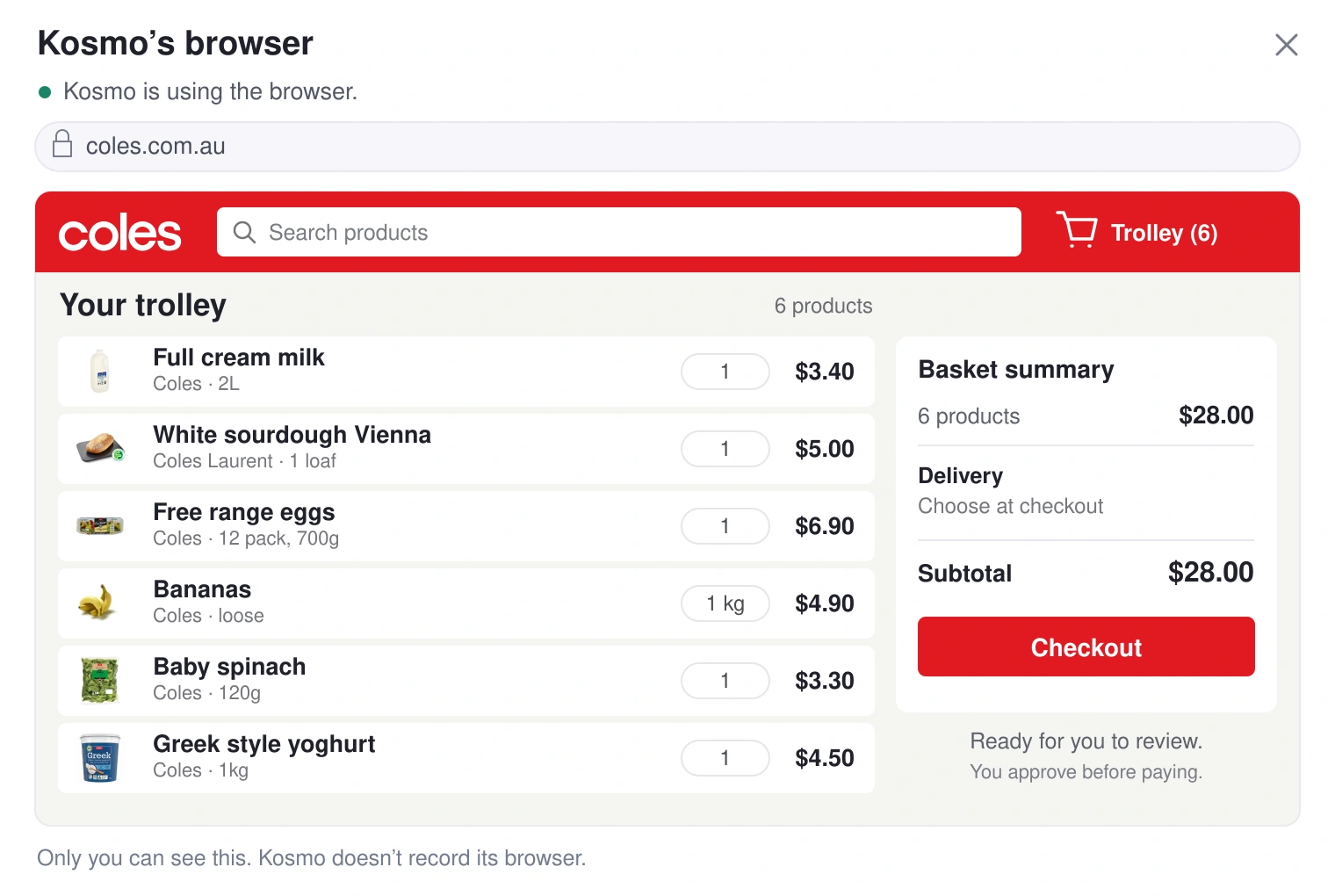
Hand over the list, the meal plan, or last week's order from your supermarket's order history. Your Kosmo opens your supermarket's website in its own browser, signs in with the login you saved in Connections, fills the trolley and marks any swaps. Before checkout it stops and asks you. At checkout you take control, enter your card details and place the order yourself.
Available today, asks you first
An example of how it works. Some websites don't let an automated browser in; when that happens, Kosmo says so.
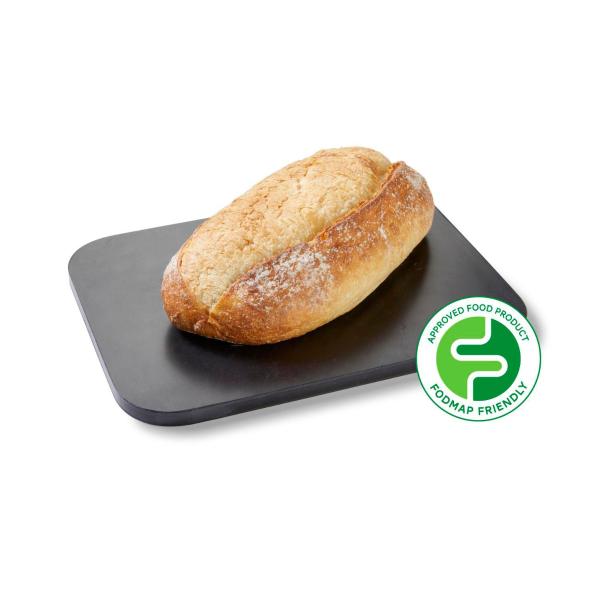
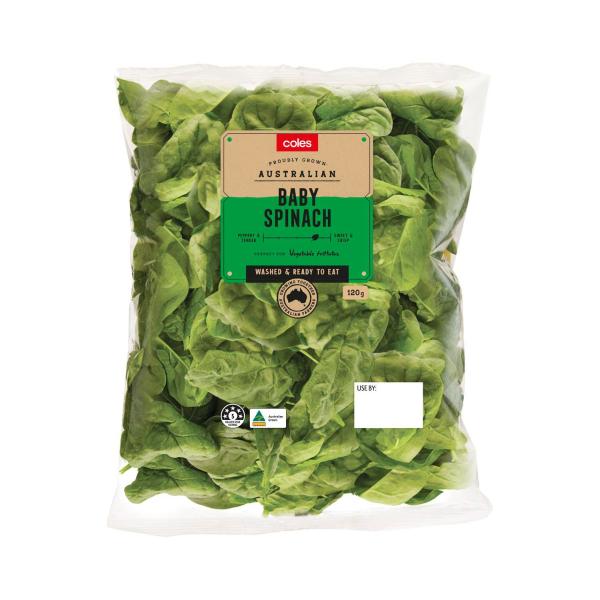
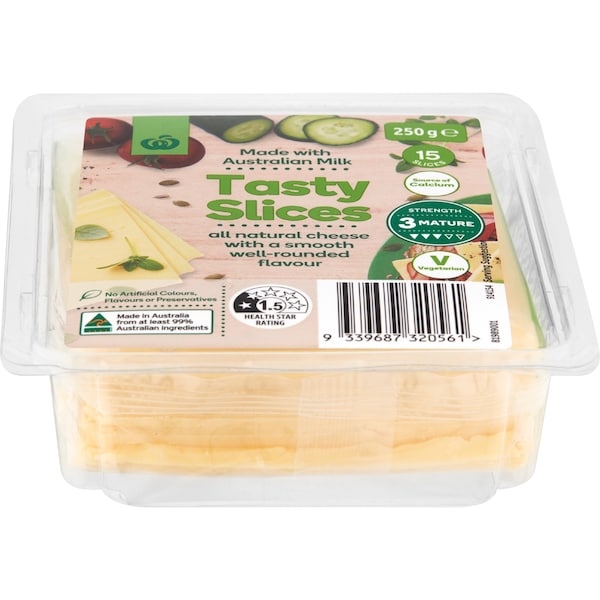
Illustrative Coles basket with real products and example prices.
Needs your approval
Go to checkout for the weekly shop
Why: you asked me to do the weekly shop from your list.
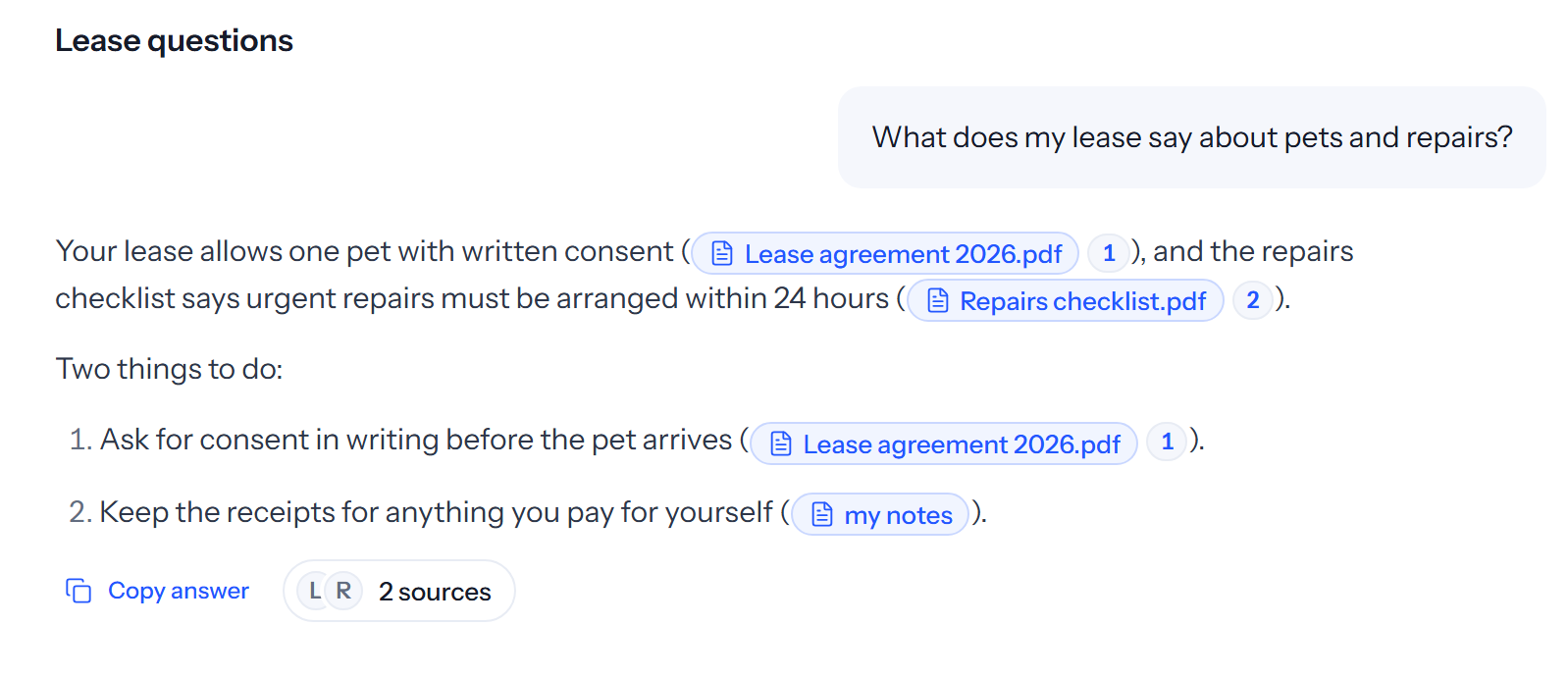
Share a bill, a lease or a school form, or add it to your files so Kosmo can answer questions about it, and ask in your own words. Your Kosmo reads it, including text in photos, and pulls out what matters: the amount, the due date, the clause. It can get a bill ready to pay or fill in an online form, and asks before it pays or sends your details.
Available today
Available today, asks you first
Today, 8:05 am
The power bill came in. When's it due, and can you get it ready to pay?
It's due 28 October, and the amount and the payment reference are on the first page. I can open your energy provider's website, sign in with the login you saved, and take it to the payment page for you.
Before I do this:sign in to your energy provider's website.
As you talk, your Kosmo picks up who is vegetarian, who can't have nuts, when pick-up is and how you like things done, and uses it next time without being asked. Ask what it remembers, and tell it to forget anything. Passwords, keys and anything that looks secret are removed before a memory is kept.
Available today
Coming: a memory page in Settings
What your Kosmo remembers
Learned as you talk
Mia is vegetarianFrom a chat
Sam can't have nutsFrom a chat
School pick-up 3:20 pm on WednesdaysFrom a chat
Ella's excursion form is due FridayFrom a photo
Ask your Kosmo what it remembers, or tell it to forget something.
Your routines
Running on a schedule
Tuesday at 7, remind me it's bin night, and which binsNext: Tue 7:00 pm
Sunday at 5, write the shopping list from this week's meal planNext: Sun 5:00 pm
On 1 March, remind me the car rego is dueNext: 1 Mar 9:00 am
Weekdays 6:40, bring the kitchen lights up slowlyNext: tomorrow 6:40 am
Monday at 7, lay out my weekRequires a connected calendar
Pause or change any routine whenever you like.
04 Reminders and routines
say it once. it runs on schedule.
Say what should happen and when, in plain language, and it becomes a routine: bin night, the rego reminder, the Sunday shopping list, the lights. Each one shows its next run, and nothing runs until you save it. Reminders wait for you in Kosmo. Pause or change any routine whenever you like.
Available today
With supported connected apps
05 Bookings, returns and research
bookings, returns and research, ready for you to check.
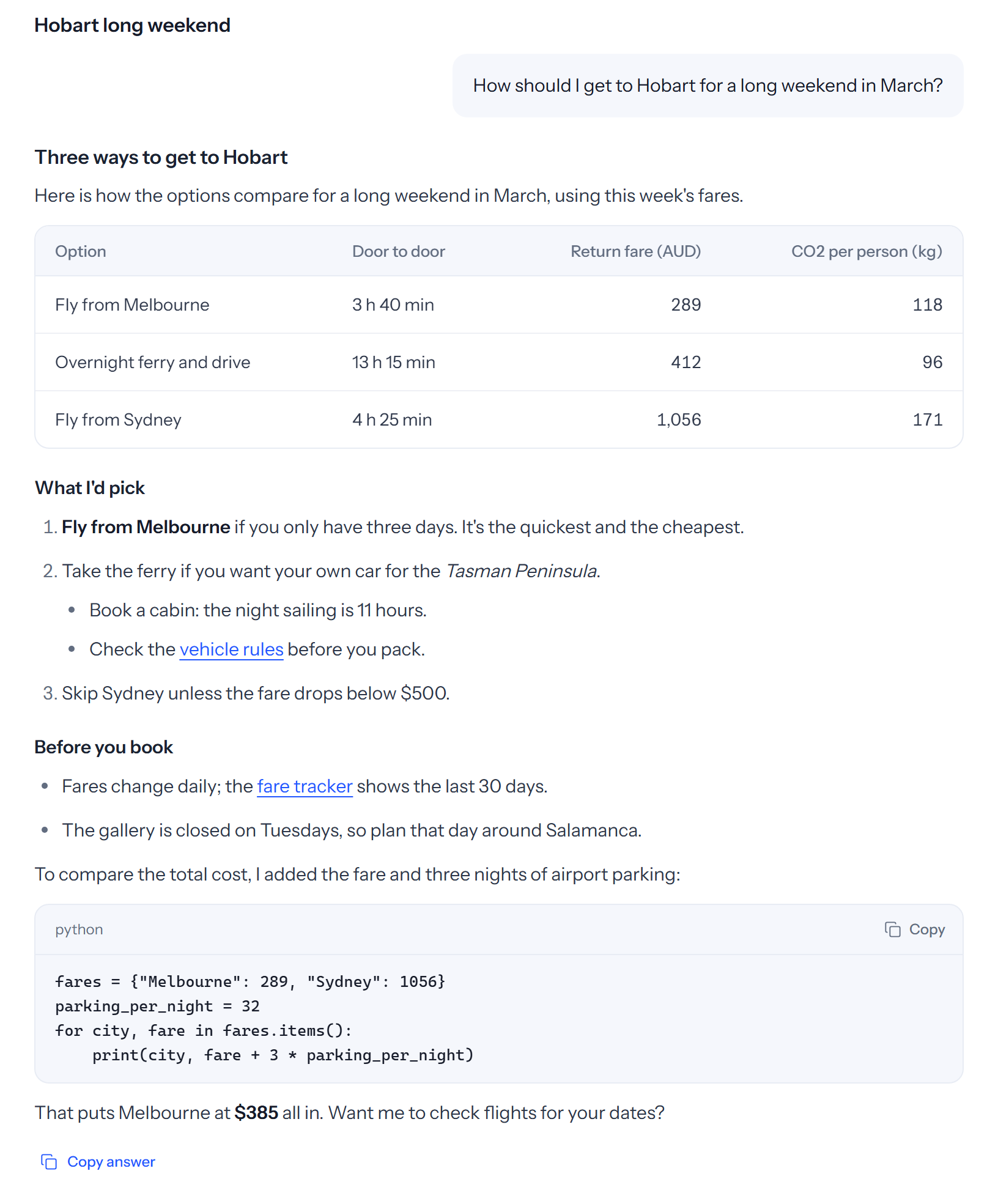
Hand over the research: a GP appointment next week, a table for Saturday, a weekend away that takes the dog, the return window on those shoes. Your Kosmo researches on the web and shows its sources, uses booking and return pages in its own browser, and brings back the options. It asks before it books, sends your details or pays.
Available today, asks you first
An example of how it works. Some websites don't let an automated browser in; when that happens, Kosmo says so.
From the Kosmo app. Example content.
Today, 7:52 pm
Book me in with the GP next week, a morning if you can.
Your clinic's booking page has three mornings next week: Tuesday 9:15 am, Wednesday 8:30 am and Friday 10:45 am. Tuesday is the earliest. Shall I take it?
Before I do this:book Tuesday at 9:15 am with your name and mobile number.
Website sign-insYour supermarket, your energy provider, the school portal.
Available today, asks you first
LightsYour smart lights, in plain words.
Available today
EmailFind important messages and prepare replies.
With supported connected apps
CalendarBring meetings and deadlines into one view.
With supported connected apps
Kosmo always asks before it spends money. Some websites don't let an automated browser in; when that happens, Kosmo says so.
06 Connections
The apps you use. Working together.
Connect supported apps through Apps in Connections, then ask Kosmo to work across the services you use. Your available apps and actions depend on what is enabled for your account and the access you grant. For browser tasks, save a website sign-in separately in Connections; passwords do not go through chat.
Available today, asks you first
Make room for what matters.
Kosmo is invite-only in Australia, for adults aged 18 and over. Request early access and we'll email you when a place becomes available.
An illustrative look at how Kosmo could help with your shopping.
Real product images. No live prices or availability.
Some websites don’t allow an automated browser. When that happens, Kosmo tells you.
02 BILLS, FORMS & PAPERWORK
The details. Without the digging.
A bill, a lease, a school form. Share it with Kosmo and ask in your own words—even when the text is in a photo.
Find the amount, the date or the clause that matters. Get a form or payment ready, with your approval before it goes ahead.
TRY ASKING
“When is this bill due, and what do I need to pay?”
Power bill.pdfSAMPLE DOCUMENT
Amount to pay$176.40
Due date28 Oct
✦
Your bill is due 28 October. The amount and payment reference are on the first page. I can help get the payment page ready for you.
Power bill.pdf · Page 1
Sample document and figures, shown for illustration.
SAMPLE ELECTRICITY BILL
Your account summary
A simple source view keeps the relevant detail beside the answer.
Amount due
$176.40
Payment due
28 October
Payment reference
Example reference
PAGE 1 · ILLUSTRATIVE DOCUMENT
THE LITTLE THINGS THAT MAKE A DAY YOURS
It gets to know how your day runs.
The preferences worth remembering. The routines worth repeating. A little less to carry around in your head.
03 FAMILY & HOUSEHOLD
“You know how we like it.”
As you talk, Kosmo learns useful details about your household. Ask what it remembers, or tell it to forget something.
✦
Mia is vegetarianLearned from a conversation
Remembered
✦
School pick-up is 3:20 pmOn Wednesdays
Remembered
✦
We prefer a quiet tableLearned from a conversation
Illustrative memory. Try removing a preference.
04 REMINDERS & ROUTINES
“Same time next week.”
Say what should happen and when. Save the routine, see its next run, and pause or change it whenever you like.
TUE7:00 pm
It’s bin night.Remind me which bins go out.
Scheduled
SUN5:00 pm
The weekly shopping list.From this week’s meal plan.
MON7:00 am
A look at the week ahead.With a supported connected calendar.
Scheduled
Illustrative routine. Try pausing the Sunday list.
These are interactive examples. Changes here don’t affect an account or create a routine.
05 BOOKINGS, RETURNS & RESEARCH
A little less planning. A little more possibility.
A weekend away, an appointment, a return window. Kosmo researches, brings back the options and asks before it books, shares details or pays.
SOMETHING TO LOOK FORWARD TO
A weekend away. At your pace.
“Find a relaxed weekend by the coast.”
✦
KosmoA draft, ready to make your own.
FRI Arrive. Unpack. Breathe.
SAT A coastal walk. No rush.
SUN The scenic way home.
Illustrative itinerary. Nothing booked.
06 YOUR CONNECTIONS
The apps you use. Working together.
Connect supported apps through Apps in Connections. For browser tasks, save a website sign-in separately in Connections. Passwords don’t go through chat.

 Gmail
Gmail Calendar
 Drive
Drive